Commercial buildings insured under a programme
Ebix Meridian

The policy lifecycle, quote to renewal.

Quote, bind, endorse, renew, and cancel across insurers, classes, and sections in EbixEvolution, with schedules, certificates, and invoices generated from the policy record.

the module, end to end

Every transaction on the policy record

From the first quote to the final cancellation, every transaction is a dated entry on the policy, with its document and its ledger effect attached.

01

Quote and placement

Terms invited from the insurers you choose and compared side by side on the placement, with the recommendation and the client's decision recorded against it.

02

Bind and issue

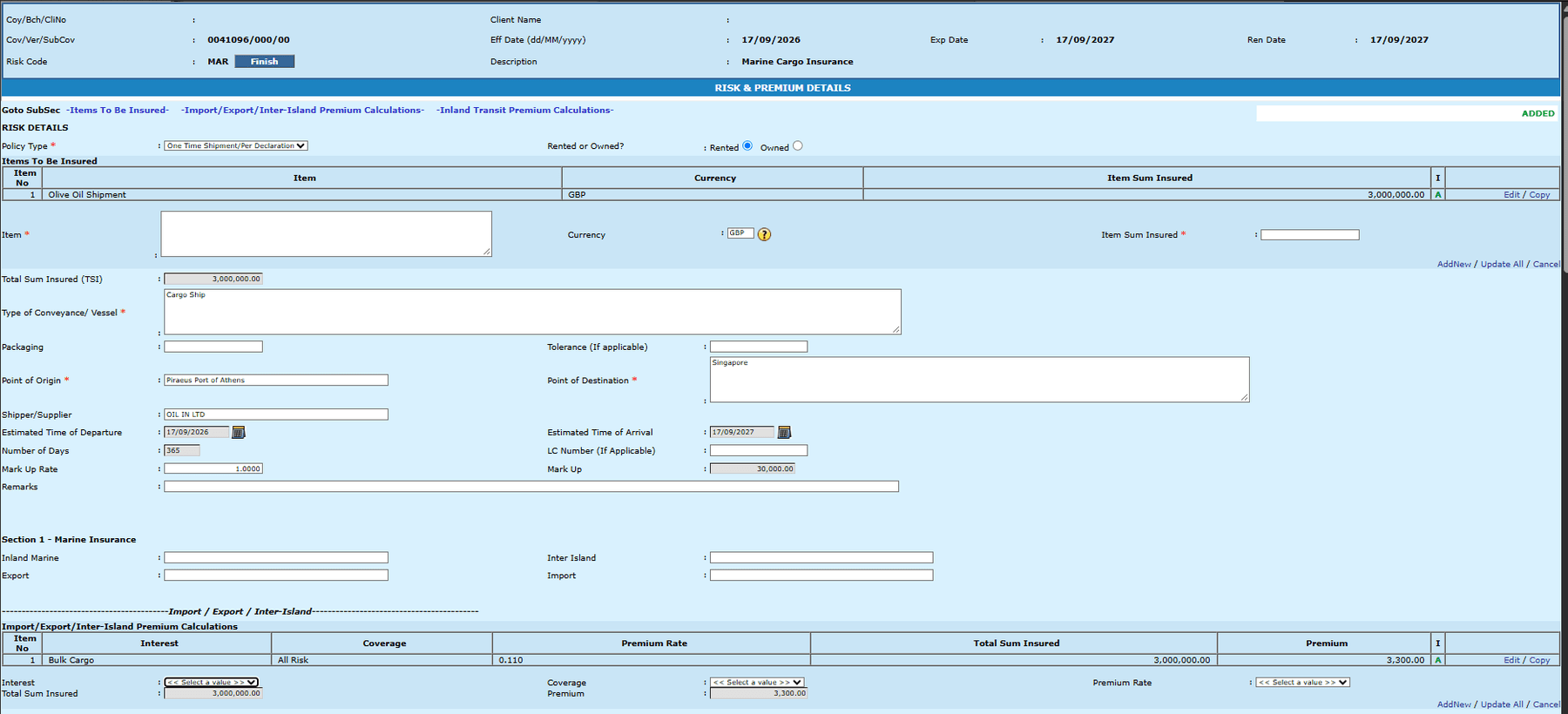
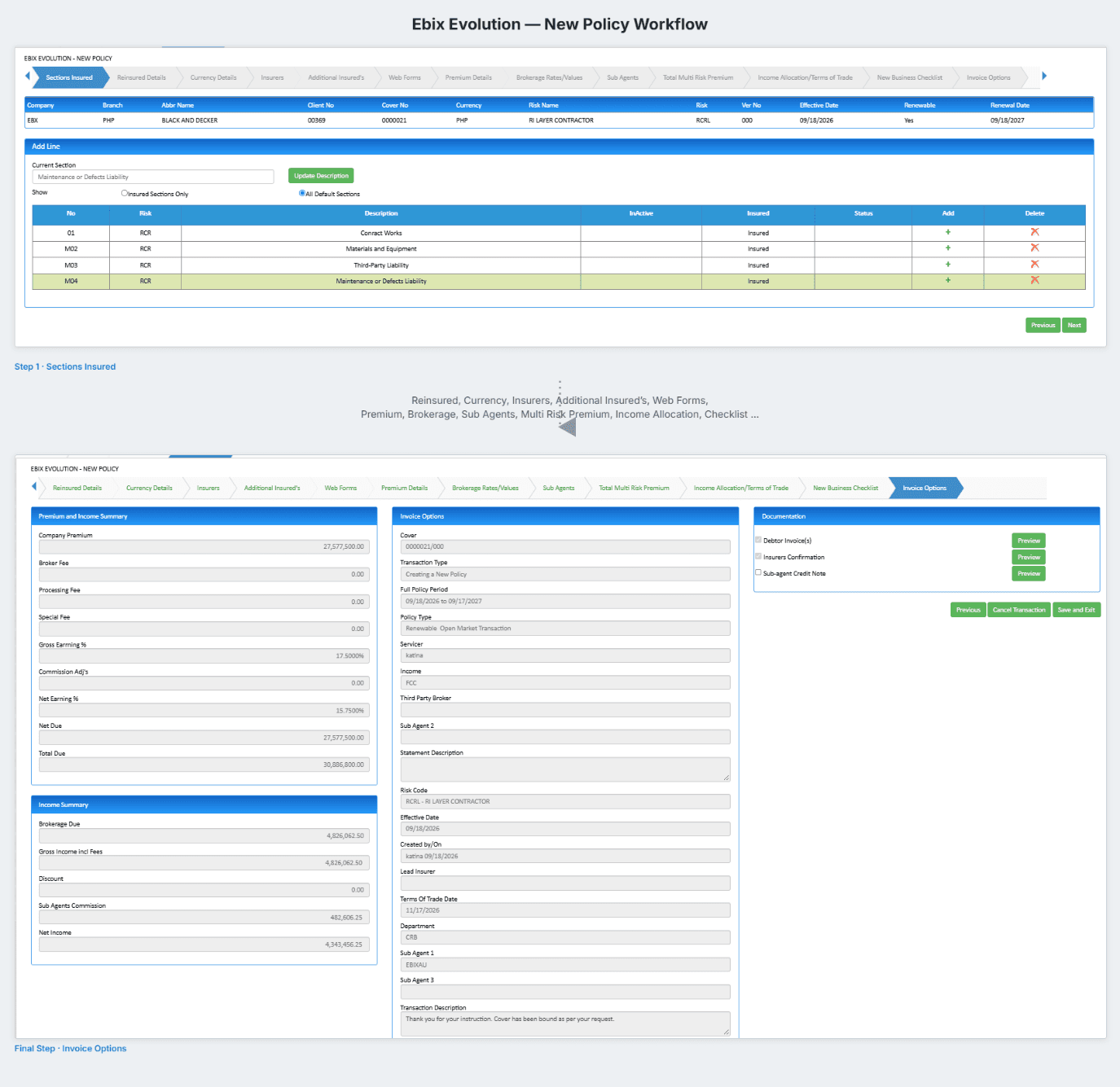
Binding creates the policy, the schedule, the invoice, and the ledger entries in one action, from the risk details already on the file.

03

Multi-insurer, multi-section

Programmes with several insurers, classes, and sections on one policy record, each with its own terms, premium, and commission.

04

Endorsements

Mid-term changes issued against the policy with the premium adjustment, the document, and the ledger entry produced together.

05

Renewals

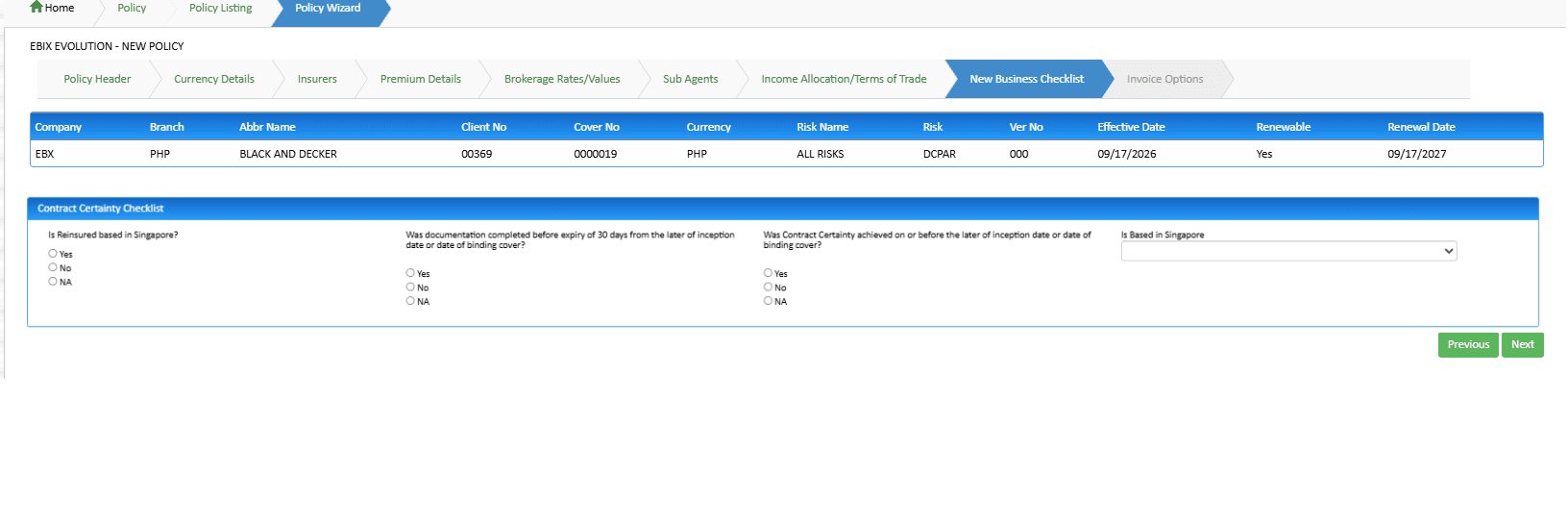
Renewal invitations diarised from the expiry date, terms re-invited from the incumbent and the market, and the new period issued on the same record.

06

Cancellations and returns

Cancellation with pro-rata or short-period return premium calculated, credited, and settled with the insurer on the ledger.

07

Schedules and certificates

Policy schedules, certificates of currency, and confirmations generated from the record and filed back onto it.

08

Insurer and product setup

Insurers, products, classes, and commission arrangements maintained centrally, so every placement uses the same reference data.

One record, five transactions

A policy in EbixEvolution is a record with a history, not a form that gets overwritten at renewal. Each transaction is added to it.

01

Quote

Risk details on the file become a placement. Terms are invited from the insurers you choose and compared on one screen.

02

Bind

The chosen terms become the policy, the schedule, the invoice, and the ledger entries in one action.

03

Endorse

Mid-term changes issued against the policy, with the adjustment, the document, and the accounting produced together.

04

Renew

Diarised from expiry, re-marketed if needed, and issued as the next period on the same policy record.

05

Cancel or lapse

Return premium calculated and credited, insurer settled, and the record closed with its history intact.

Inside the module

Placement comparison, binding, and the insurer console as the broking team uses them.

Market terms, side by side

Terms from each insurer approached, compared on premium, excess, and conditions, with the recommendation recorded on the placement.

  • Every insurer approached on one screen
  • Recommendation and client decision recorded
  • Declined terms kept for the file
ebixevolution.com/placements
Quote comparison

Bind and issue

The chosen terms become the policy, the schedule, and the invoice in one action, with the ledger entries raised behind it.

  • Policy, schedule, and invoice together
  • Ledger entries raised on binding
  • Documents filed to the record
ebixevolution.com/policies/bind
Bind and issue screen

Insurers and products

Insurers, products, classes, and commission arrangements maintained once and used on every placement.

  • Central insurer and product setup
  • Commission by insurer, class, and product
  • Reference data shared across the brokerage
ebixevolution.com/setup/insurers
Insurer console

Actual product screens, shown as configured and white-labeled for RedGram Wealth Management, an investment advisory firm running on Ebix Meridian. Your firm gets the same portal under your own brand.

Illustrative screens · EbixEvolution captures to follow

Corporate broking team reviewing a programme
Multi
Insurer, class, and section
1 record
For the whole programme

Programmes, not just policies.

Corporate accounts are placed as programmes: several sections, several insurers, sometimes several currencies, on one record. EbixEvolution keeps the sections separate where the terms differ and together where the client sees one programme.

Sections with their own terms

Premium, commission, and conditions per section.

One schedule for the client

The programme presented as the client understands it.

Layered placements

Primary and excess layers on the same record where the account needs them.

Place a real risk
in the demo

Bring a placement you are working on and watch it go from risk capture to bound policy on the platform.